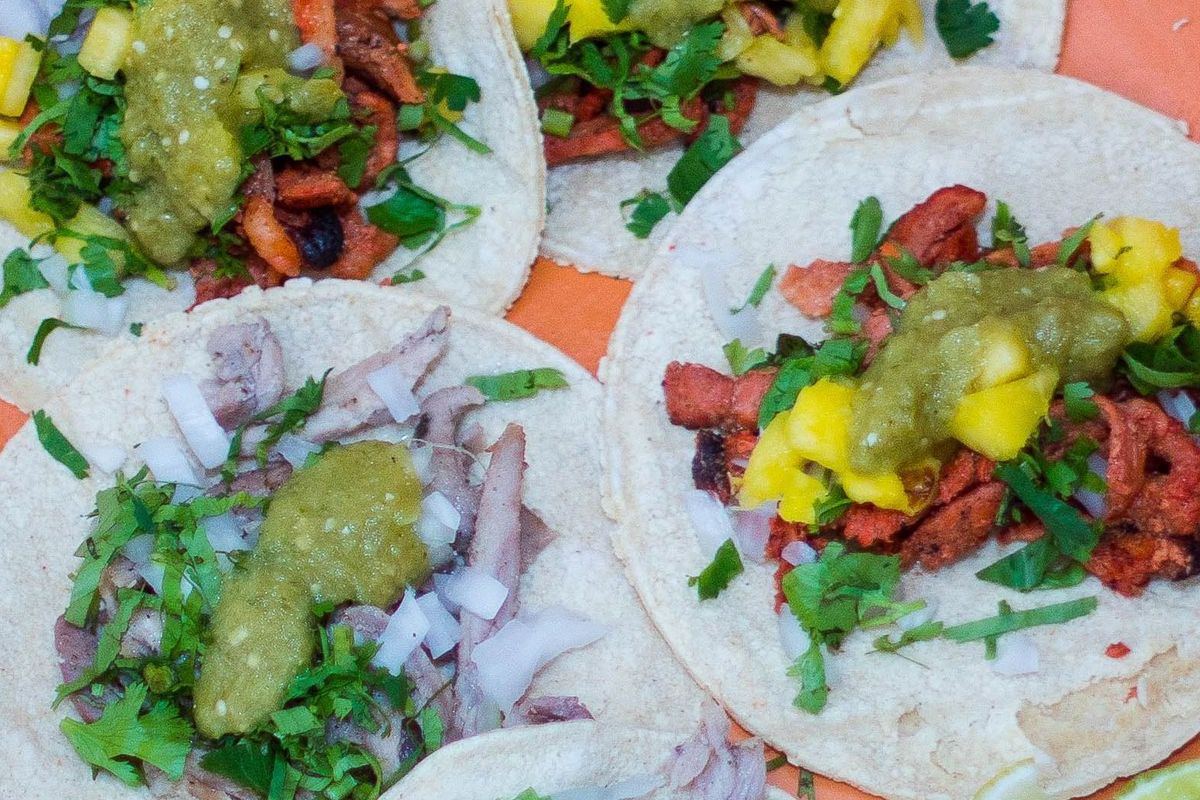
I Set Up My Taqueria's Digital Menu in 3 Minutes (Yes, Really)
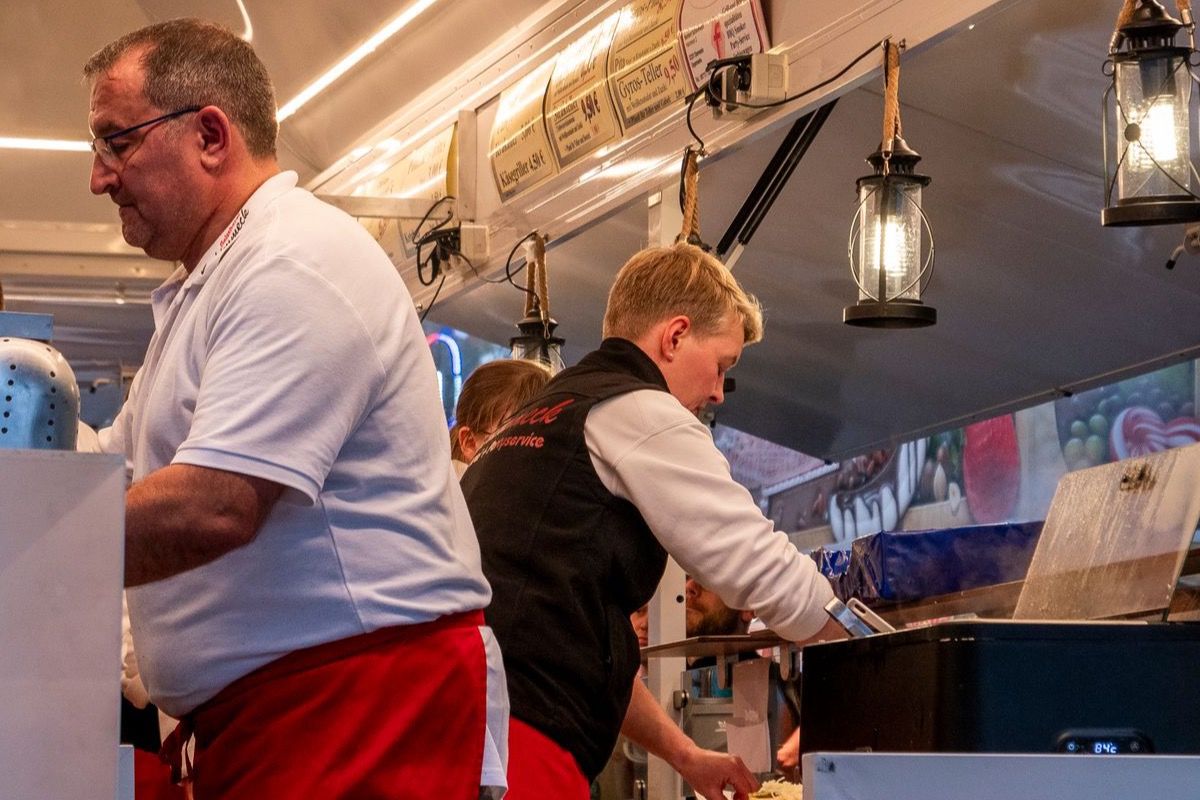
I run a taqueria in Austin — El Patrón Tacos. When a friend first told me about QRfood, I rolled my eyes. "Another thing I don't have time to learn," I thought. I'm not a tech guy. I'm a guy who makes good tacos, and my day is already full of masa, marinades, and a lunch rush that doesn't wait for anyone.
But one slow Tuesday, I decided to prove myself wrong. Here's exactly what happened — minute by minute.
Minute 1: No Download, No Sign-Up, No Nonsense
I typed qrfood.ai into my browser. That's it. No app store, no account-creation marathon, no credit card. It asked for my restaurant's name — El Patrón Tacos — and my cuisine type. I hit enter, and I was in.
Minute 2: Adding Items Felt Like Texting
I started typing my menu the way I'd text my wife: "Carne Asada Tacos — $4.50." "Al Pastor — $4.50." The interface is stupid simple. What surprised me most: I could add descriptions in English on the left and Spanish on the right. My regulars — and my Spanish-speaking customers — would both get the full story.
Minute 2:30 — The Preview That Stopped My Wife Mid-Step
QRfood showed me a live preview. It looked good. Big photos I'd taken on my iPhone, a clean layout, easy to read. My wife walked past the kitchen and stopped: "Wait, what is that? That looks professional." Coming from her, that's a five-star review.
Minute 3: QR Code. PDF. Printed. Done.
I hit "Generate QR Code." A clean QR code popped up. I downloaded it as a PDF, printed it, and taped it to the counter and a couple of tables. Total time invested: three minutes. Total cost: zero. Total stress: none.
The First Three Weeks
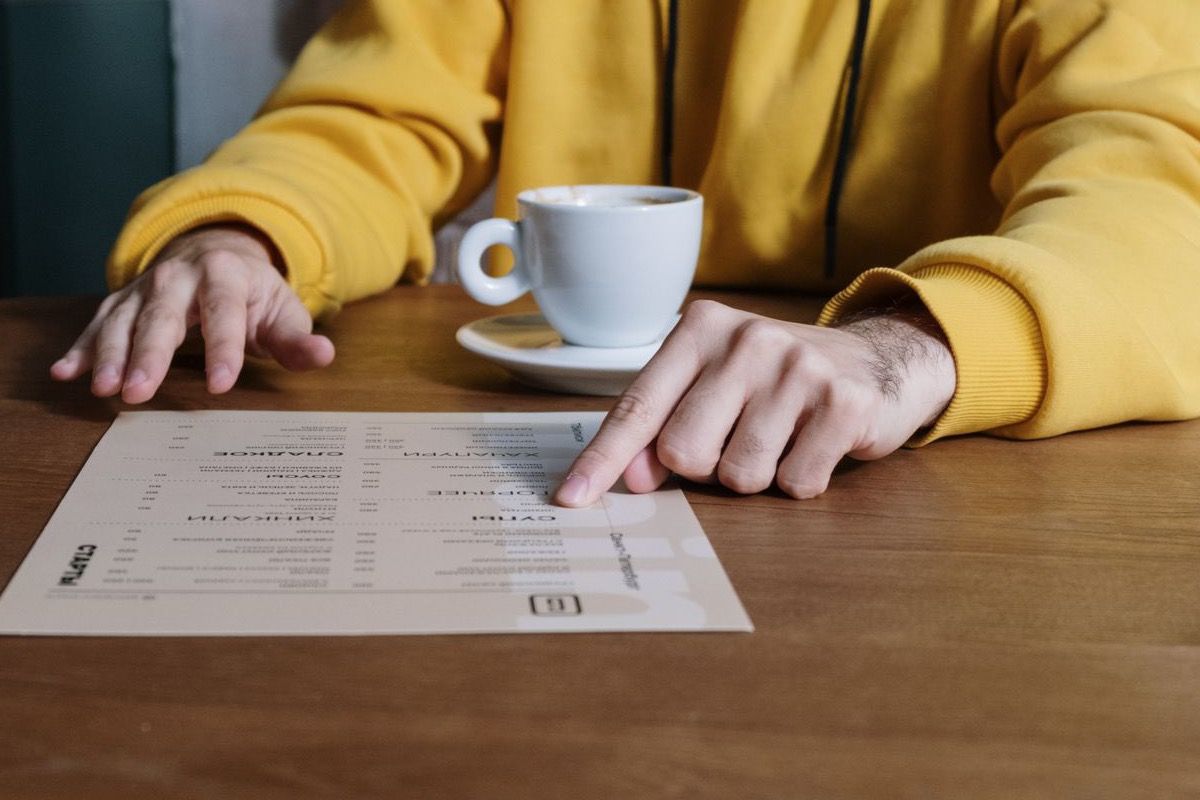
Week one: our average order time dropped. Customers were deciding what they wanted before I even reached their table — I stopped playing menu-translator in the middle of the rush.
Week two: a customer said, "Finally, I can actually read what's in the tacos." That one comment made the whole thing worth it.
Week three: I added our new fish taco special to the menu in 30 seconds — from my phone, between orders.
Why This Works for Small Restaurants
I'm not saying a digital menu replaces good food — nothing does. But it removes the friction between a hungry customer and an order. That's where the real numbers live: restaurants using QR menus report faster order processing and higher average tickets, because customers browse photos and descriptions instead of squinting at a laminated sheet.
And when you run out of an ingredient or launch a special, the menu updates everywhere at once. No reprinting. No white-out. No "sorry, that's not available anymore" conversations at the window.
The Menu Finally Matches the Food
I'm a taco guy, not a tech guy. But my menu finally matches my food: fast, honest, and easy to love. Three minutes, free, and it paid for itself in the first lunch rush.
Try it. You literally have nothing to lose — except the line at your window.
qrfood.ai — 3 minutes. Free. Go.