Why Square’s QR Feature Isn’t Enough for Your Restaurant
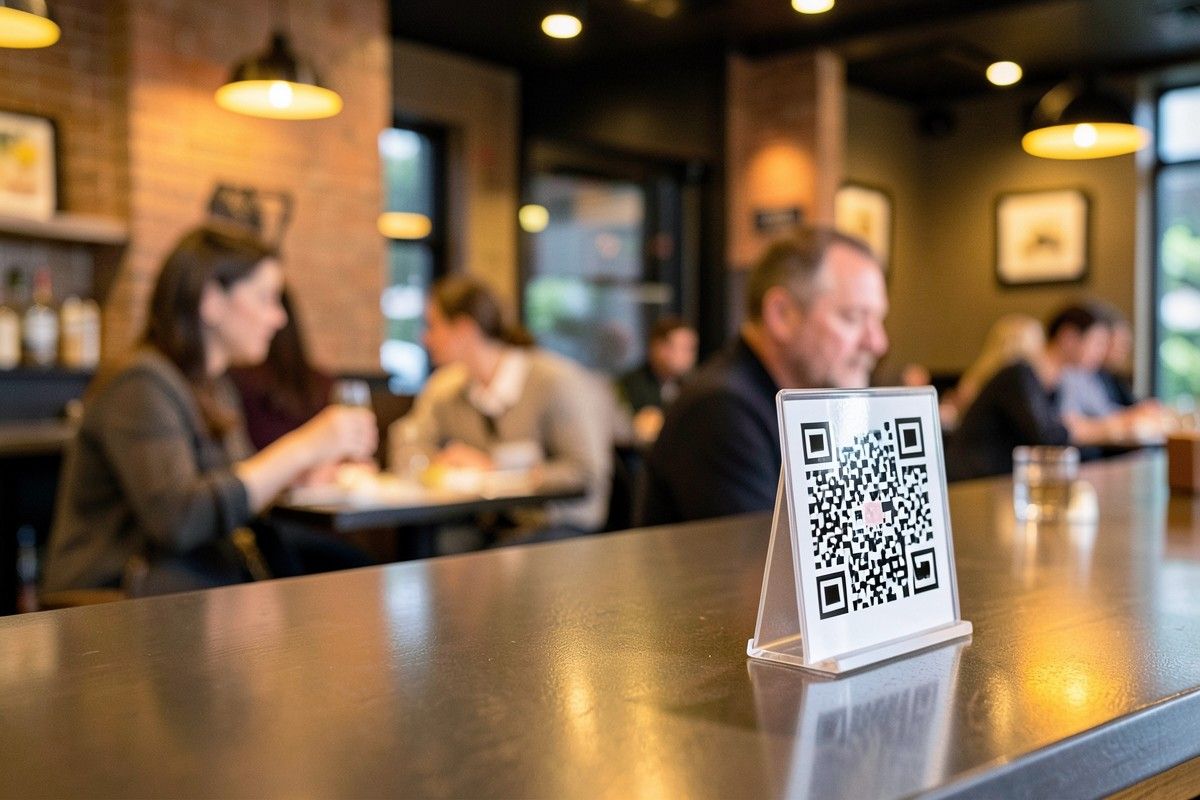
When Square added QR ordering in 2020, a lot of restaurant owners breathed a sigh of relief. “One less vendor,” they thought. “One less monthly bill.” And for a while, it’s true — Square’s QR feature works. Guests scan, they see a menu, they order. But here’s the question too few owners ask: is it working well? Or is it just working enough?
QR ordering isn’t a checkbox — it’s a product. Using Square’s built-in QR feature instead of a dedicated QR platform is like using a Swiss Army knife to chop wood: technically possible, but you’ll feel the difference in every single cut. When a QR menu is just a feature of a payments company, it’s designed to reduce friction for Square — not to maximize revenue for you.
The 5 Places Square’s QR Feature Falls Short
We hear from restaurant owners every week about what their QR ordering can’t do. Here are the five gaps that come up again and again — the same ones we’ve fixed across 500+ restaurant deployments:
1. Menu customization that matches your real service
Square limits your menu structure. Want course-specific menus that auto-switch between lunch and dinner? Want a brunch menu on weekends and a dinner menu after 5 PM? Good luck. Square’s QR menu is a flat list built around simple items. For a restaurant with real menu logic — happy hours, tasting menus, seasonal specials — you’ll hit that wall fast.
2. Item modifiers at the scale your kitchen needs
Add-ons. Spice levels. Custom instructions. “No onions, sauce on the side, extra jalapeño.” Square handles the basics, but when you have 20+ modifiers per item — completely normal for any serious kitchen — the ordering flow gets messy fast. Guests get confused, and confused guests either order less or make your staff fix it by hand. That’s friction you pay for in labor.
3. A tip flow that respects your price points
Tipping is where QR ordering lives or dies. Square gives you a basic tip prompt. QRfood lets you set tipping before or after payment — and, just as important, suggested percentages that actually fit your price points. A 15% suggestion on a $90 check means something different than on a $12 lunch. The right tip flow quietly lifts your average check and your team’s take-home. The wrong one quietly annoys everyone.
4. Multi-language support that matches your dining room
Square’s QR menu is English-first. But if your dining room serves a diverse community — and in 2026, most do — your menu should speak your guests’ language. QRfood supports full bilingual menus, so a table can switch between English and their native language in one tap. When guests can read your menu in their own language, they order more, they understand your story, and they come back.
5. Offline resilience when it matters most
Here’s the one nobody thinks about until it happens: if Square’s internet goes down, so does your QR ordering. Every table that scans hits an error page at the worst possible moment. QRfood’s architecture handles intermittent connectivity gracefully — the flaky Wi-Fi, the dead spots, the 4G gaps — so ordering keeps working when your restaurant is at its busiest.
The 500-Restaurant Standard
QRfood has been deployed across 500+ restaurants in Japan — one of the most demanding dining markets in the world. Japanese operators expect precision, speed, and reliability. A menu that loads slowly, a modifier that doesn’t register, a tip prompt that feels off — none of it is acceptable. They don’t accept “good enough,” and because of that standard, neither do we. It’s the same standard we bring to every market, including the US.
What “Good Enough” Really Costs You
Let’s do the math. Every extra minute a guest spends fumbling with a clunky ordering flow, every question a server has to answer that the menu should have answered, every abandoned order — it adds up. On a busy Friday with 40 tables turning twice, shaving two minutes off every scan-to-order flow is measurable revenue. And when your QR ordering fails entirely at peak hours, it’s worse than not having one — guests remember the broken experience.
The Checklist: What Your QR Ordering Should Do
• Auto-switch menus by time of day (lunch, dinner, happy hour)
• Handle 20+ modifiers per item without slowing down
• Flexible tipping — before or after payment, percentages you control
• True bilingual or multilingual menus, switchable in one tap
• Keep working when the internet hiccups
Your QR ordering should feel like a feature, not an afterthought. If you’re on Square’s built-in QR today, run a side-by-side test: QRfood on one table, Square on another. Watch which one your guests use more smoothly.
Try QRfood Free
You don’t have to rip out your POS to get a better QR experience. QRfood works alongside the systems you already use — and it’s free to try. No setup fees. No long-term contracts. No “let’s get sales on the phone first.” Just scan, order, and feel the difference.
In a market where guests have more options than ever, the restaurants that win aren’t the ones with the most features. They’re the ones where everything just works — smoothly, quietly, in every language, even when the Wi-Fi drops. That’s what a product feels like. That’s what QRfood is.
Try QRfood free at qrfood.ai