I Was Skeptical. Now I'm Telling Everyone About QRfood.
Let me be honest — when my brother told me about QRfood, I rolled my eyes. "Another QR code thing? I've seen those. They're ugly PDF links that never work right."
I run an Italian place in Brooklyn. We've been using printed menus since day one — laminated, spiral-bound, updated maybe twice a year. I didn't see the problem. My regulars knew the menu by heart. Tourists? They pointed at pictures. It worked.
But last Tuesday, our printer broke. Orders were due, menus were outdated, and a table of 6 was waiting. I was desperate.
I went to qrfood.ai on my phone. Took my existing menu PDF, uploaded it. The site recognized everything — appetizers, entrees, desserts, prices. I picked a template, chose English + Spanish (half my neighborhood is bilingual), and hit publish.
Three minutes. Maybe less.
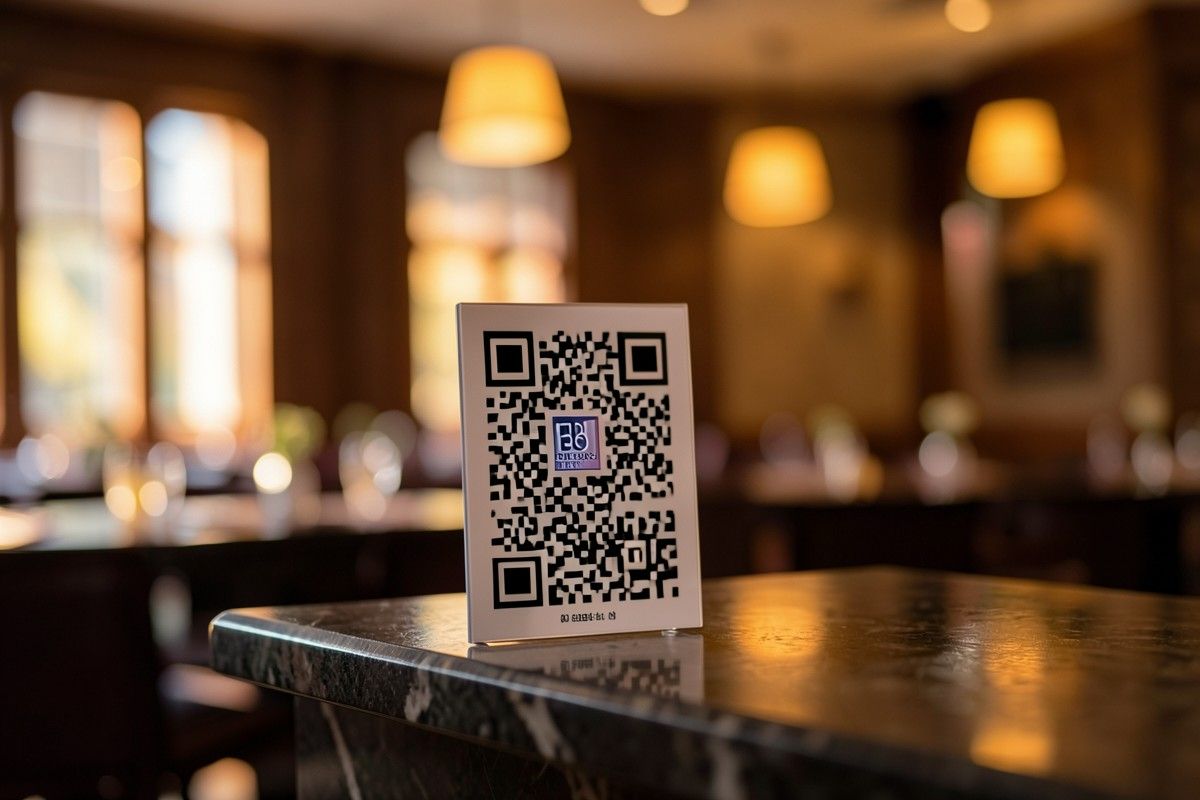
I printed a single QR code on a card, taped it to the table, and asked the waiting table to scan it. They ordered in 2 minutes. One guy said, "This is way better than the paper menu. Photos are gorgeous."
Three weeks later, we're fully digital. No more reprinting. No more "sorry, that item is sold out" — I just update the menu on my phone. Customers love it. Staff loves it. The QR code restaurant menu isn't a gimmick — it's simply better.
If you'd told me last month I'd be this excited about a menu tool, I'd have laughed. But here I am, telling every restaurant owner I know.
The hardest part? Admitting I was wrong to wait this long.
For any small business owner still printing menus: stop. Try qrfood.ai. Free. Three minutes. That's all it takes. Your customers will thank you — and so will your printer.
#QRfood #RestaurantTech #ItalianRestaurant #DigitalMenu #SmallBizOwner #BrooklynEats #NoCode