Your POS Has More History Than Your Building
It was 5:40 on a Friday in Denver when the back-office server at Mike's three-unit group just stopped. No warning. No error message on the front terminals — orders simply stopped syncing. The dinner rush was 20 minutes away.
Mike called his Aloha reseller. 'Best case,' they told him, 'a technician on site Tuesday. Want us to overnight a replacement server? That's $1,900 plus shipping, and you'll still need someone to image it.'
His staff ran Friday dinner on handwritten tickets. It worked — barely. One ticket got misfired, one table walked after a 45-minute wait, and a two-star review appeared that night: 'Great food, but they clearly don't have it together.'
Mike's POS has more history than his building. Aloha — now NCR — has powered American restaurants since the 1990s. It runs some of the biggest chains in the country. It also runs on an architecture that predates the iPhone.
The legacy burden, line by line
Legacy POS isn't bad because it's old. It's expensive because of what age does to the operating model. Here's what that looks like in practice:
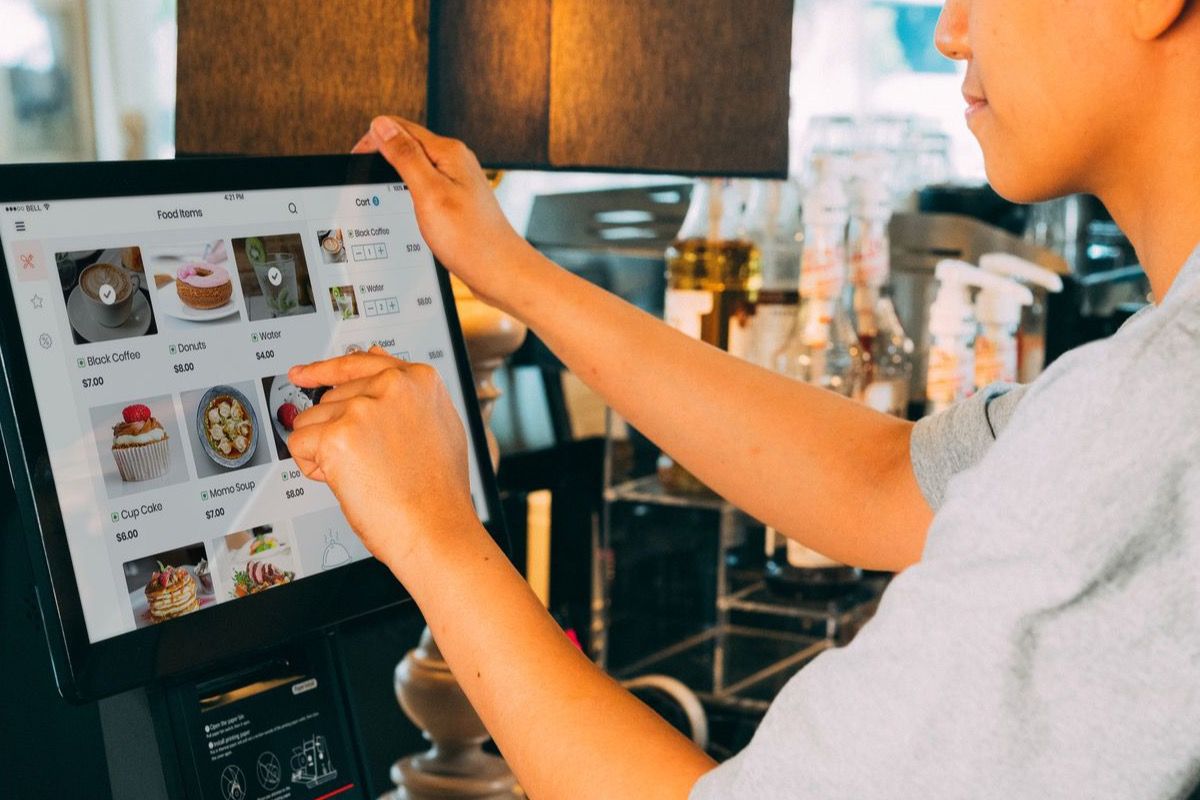
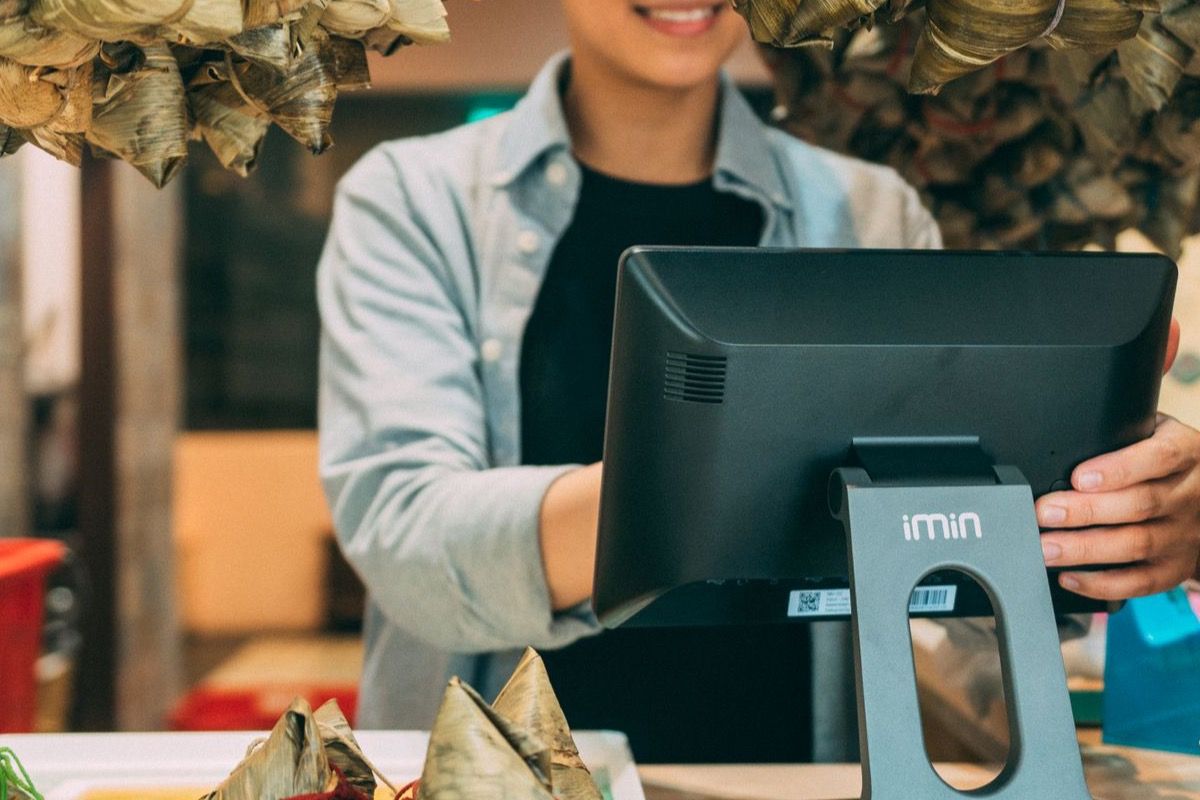
On-premise servers. Aloha typically needs a local server in the back office. When it crashes, you're calling a technician — not flipping a switch. When the hard drive fails, your data is gone unless you backed it up manually. Friday nights don't wait for backups.
Slow update cycles. Feature updates arrive quarterly or yearly. Bug fixes get bundled into 'service packs.' Want the feature your competitor already has? Budget for a 3–6 month wait — if your request makes the roadmap at all.
Interface fatigue. Staff training on Aloha runs 1–2 weeks. The UI hasn't meaningfully changed since 2008 — before most of your new hires could drive. Staff who grew up on apps find it frustrating, and frustrated staff make more errors during rush.
Integration costs. Adding online ordering, a loyalty program, or a delivery aggregator means custom API work — billed at a consultant's hourly rate. What should be a weekend project becomes a line item on your P&L.
Contract lock-in. Three-to-five-year agreements with auto-renewal clauses. Getting out isn't a business decision; it's a legal process. NCR acquired Aloha in 2004, and the enterprise sales model hasn't changed much since.
What downtime actually costs
Run the math on your own Friday. A 90-minute outage at peak dinner — handwritten tickets, slower table turns, misfires, one angry review — costs more than any 'service pack' saves you. For independent operators, the real cost of legacy POS isn't the monthly fee. It's the risk you carry every single night.
Cloud-native by design
QRfood was built from day one as a cloud-native platform. There is no server in a back office to crash. Updates deploy automatically — new features land without a service call, without a technician, without a 3-month roadmap wait.
Integrations use standard APIs that take hours to connect, not weeks of custom consultant work. Japanese restaurants adopted QRfood because they needed reliability without complexity — and that same approach is exactly what US independents need in 2026.
The practical difference: when your QRfood menu needs a price change, a new item, or a third-language version, it's live in minutes. When your POS needs a new feature, you wait for a quarter.
You don't have to rip anything out
Here's what switching really looks like with QRfood: no hardware migration, no 3-year contract, no legal review. QRfood works alongside the POS you already have — QR ordering, multilingual menus, and digital ordering layered on top of your existing operation.
Your POS should be a tool you control — not a legacy system that controls your risk, your roadmap, and your Friday nights.
Modern restaurants deserve modern tools
The best technology in a restaurant is invisible: it never makes the news, never makes the staff sigh, and never makes the owner hold their breath during rush. It just works.
Try QRfood free at qrfood.ai. Set up in minutes. No server. No service pack. No waiting for Tuesday.