
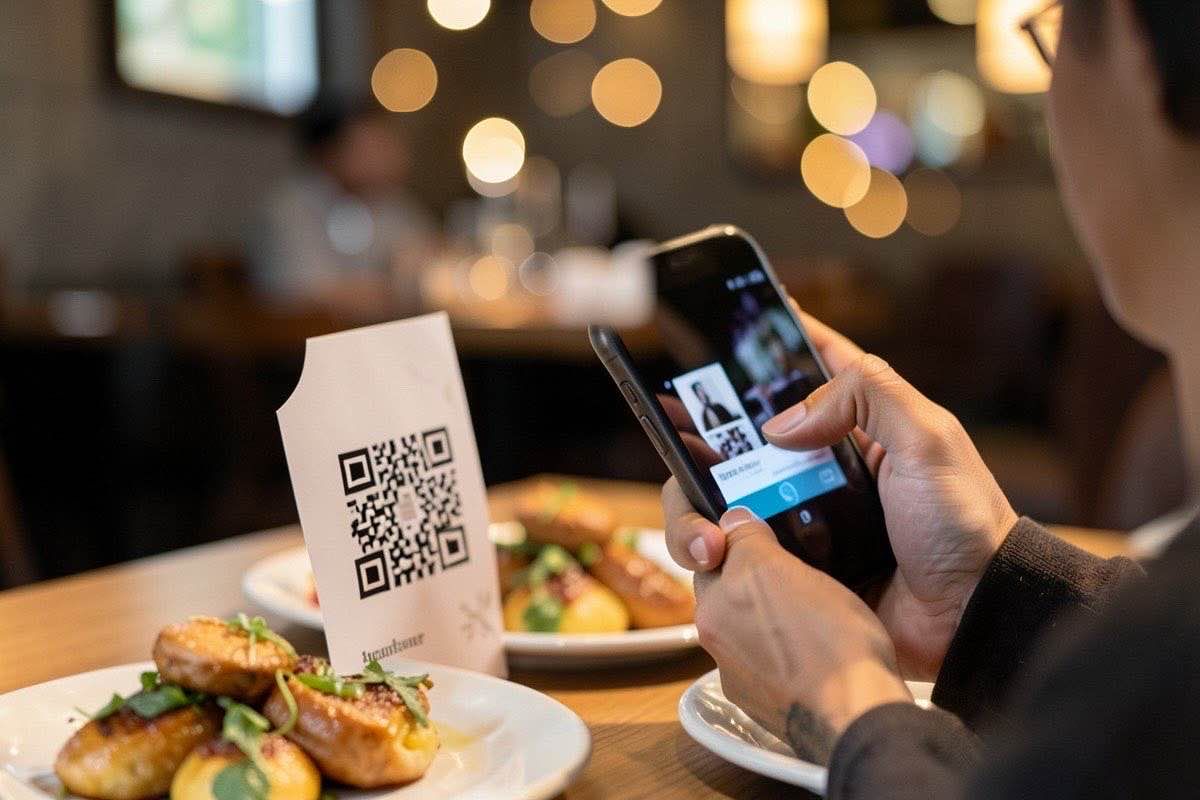
Why QR Code Ordering Is No Longer Optional
By 2026, QR code ordering has evolved from a pandemic-era convenience to a core operational requirement for any modern restaurant. Customers expect it, staff efficiency depends on it, and your bottom line benefits from it.
This guide walks you through everything you need to implement a smooth, profitable QR ordering system — from choosing the right technology to training your staff and measuring results.
What Is QR Code Ordering?
QR code ordering allows customers to scan a code at their table, browse your full menu with photos and descriptions, customize their orders, and pay — all from their own phone. No app download required.
It replaces the traditional paper menu + server + POS workflow with a streamlined digital experience that benefits both customers and staff.
The Business Case for QR Ordering
Let's start with the numbers that matter:
• Average order value increases by 15–25% — customers see appetizers, sides, and desserts they might miss on a paper menu
• Table turnover time decreases by 8–12 minutes — no waiting for the server to take or process the order
• Staff can focus on service quality instead of order entry — fewer errors, better guest experience
• Menu updates are instant and free — no reprinting costs, no outdated specials
• Customer satisfaction scores improve — 73% of diners in 2025 preferred digital menus over paper
Step 1: Choose Your QR Ordering Platform
There are dozens of providers, but they fall into three categories:
1. All-in-one POS-integrated systems — Toast, Square, Clover (best for chain restaurants)
2. Standalone digital menu platforms — QRFood, MenuPoint, Menulog (best for independents)
3. Custom-built solutions — for restaurants with unique needs or existing tech stacks
For most independent restaurants, a platform like QRFood offers the best balance of features, ease of use, and affordability. Look for: multilingual support, real-time menu updates, integration with your existing POS, and robust analytics.
Step 2: Design Your Digital Menu
A great digital menu is not a PDF of your print menu. It is a sales tool. Here is how to design one that converts:
• High-quality photos for every dish — customers order 30% more when they see appetizing images
• Clear categorization — Appetizers, Mains, Sides, Drinks, Desserts, with logical subcategories
• Descriptive copy — "Crispy honey-garlic chicken wings" sells better than "Chicken wings"
• Dietary filters — Gluten-free, vegan, nut-free options should be easy to find
• Specials and upselling — Feature daily specials prominently, suggest add-ons
• Multilingual — If your neighborhood is diverse, having the menu in 2–3 languages increases orders
Step 3: Set Up Payment Integration
The payment flow makes or breaks the QR ordering experience. Key considerations:
• Support Apple Pay and Google Pay — over 60% of mobile users prefer digital wallets
• Tip options at checkout — customers tip more generously on screens than with cash or pen
• Split bill functionality — a must for groups, reduces server workload significantly
• PCI compliance — ensure your payment processor is fully compliant and encrypted
• Receipt delivery — email, text, or print options give customers choice
Step 4: Train Your Staff
Your staff's buy-in determines success. Common concerns and how to address them:
"Will QR ordering replace our jobs?" — No. It frees servers to focus on hospitality, not data entry. Top-performing servers in QR-enabled restaurants earn 18% more in tips because they spend more time engaging with guests.
"What if customers have trouble?" — Designate a "digital host" during peak hours. This person helps with scanning, explains the system, and handles exceptions.
"How do we handle cash customers?" — Keep the option for traditional ordering. Some customers will always prefer paper. The goal is to offer choice, not force change.
Step 5: Launch and Iterate
A successful launch requires:
1. Soft launch with regular customers — get feedback before going wide
2. Clear table signage — simple 3-step instructions: Scan → Order → Enjoy
3. Staff script — train servers on what to say when they approach a table
4. Monitor analytics — track adoption rate, average order value, table turn time
5. Iterate — update your menu design, add popular dishes, remove underperformers
Common Mistakes to Avoid
• Do not make customers download an app. Web-based QR ordering has 90%+ adoption rates, app-based drops to 40%.
• Do not hide prices or items. Full transparency builds trust.
• Do not neglect slow hours. Use QR data to create time-specific offers that fill gaps.
• Do not skip accessibility. Ensure your menu works with screen readers and has adjustable font sizes.
Measuring Success
Track these KPIs from day one:
• QR adoption rate (% of customers who order via QR)
• Average order value comparison (QR vs traditional)
• Table turnover time
• Customer satisfaction scores
• Staff efficiency (orders processed per hour)
The Future of QR Ordering
By 2027, expect AI-powered menu recommendations based on customer preferences, voice-activated ordering via QR, and seamless loyalty program integration. The restaurants that adopt QR ordering today will be the ones leading tomorrow.
Ready to get started? Platforms like QRFood make it easy to create, update, and manage your digital menu in minutes — no coding required.