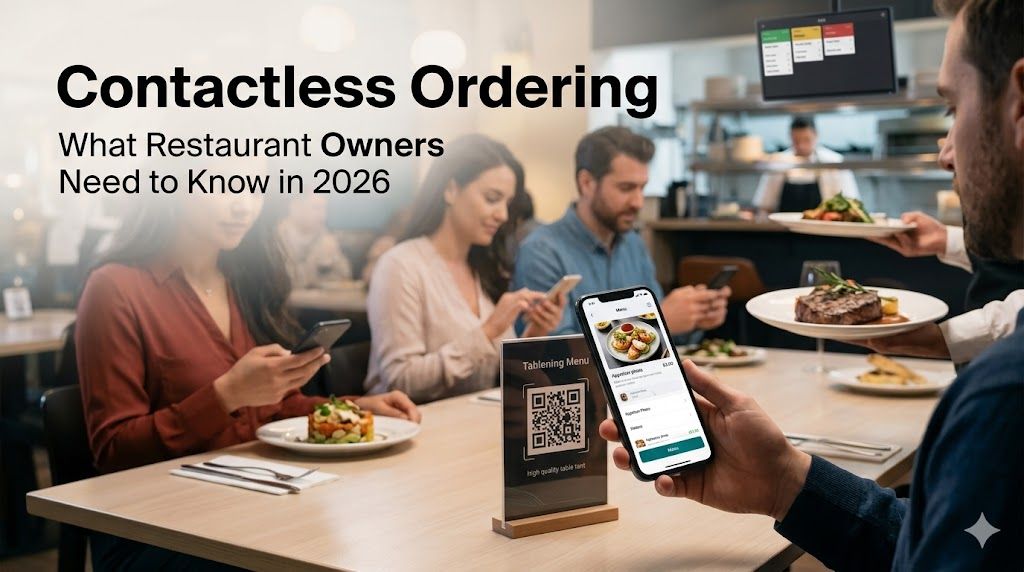
🥩 Contactless Ordering: What Restaurant Owners Need to Know
I remember the first time I watched a table of four walk out of my restaurant. They'd been waiting 12 minutes to get a server's attention. The father said, "We're going somewhere faster," and I couldn't argue. He was right. We were losing money—$2,000 a month in dropped covers, according to my POS data. That's when I started looking at contactless ordering.
By 2026, contactless ordering isn't a "nice to have." It's what customers expect. 73% of diners prefer restaurants with QR code menus. Restaurants that adopt contactless ordering see 22% higher revenue per table. This is the story of how I transformed my restaurant—and what you need to know to do the same.
What Exactly Is Contactless Ordering?
Let's clear up the confusion. Contactless ordering means customers browse menus and place orders using their own smartphones—without waiting for a server to hand them a menu or take their order.
It works like this:
1. Customer sits down at your table
2. They scan a QR code on the table tent or sticker
3. Your full menu loads on their phone—complete photos, descriptions, dietary tags
4. They browse, customize, and place their order
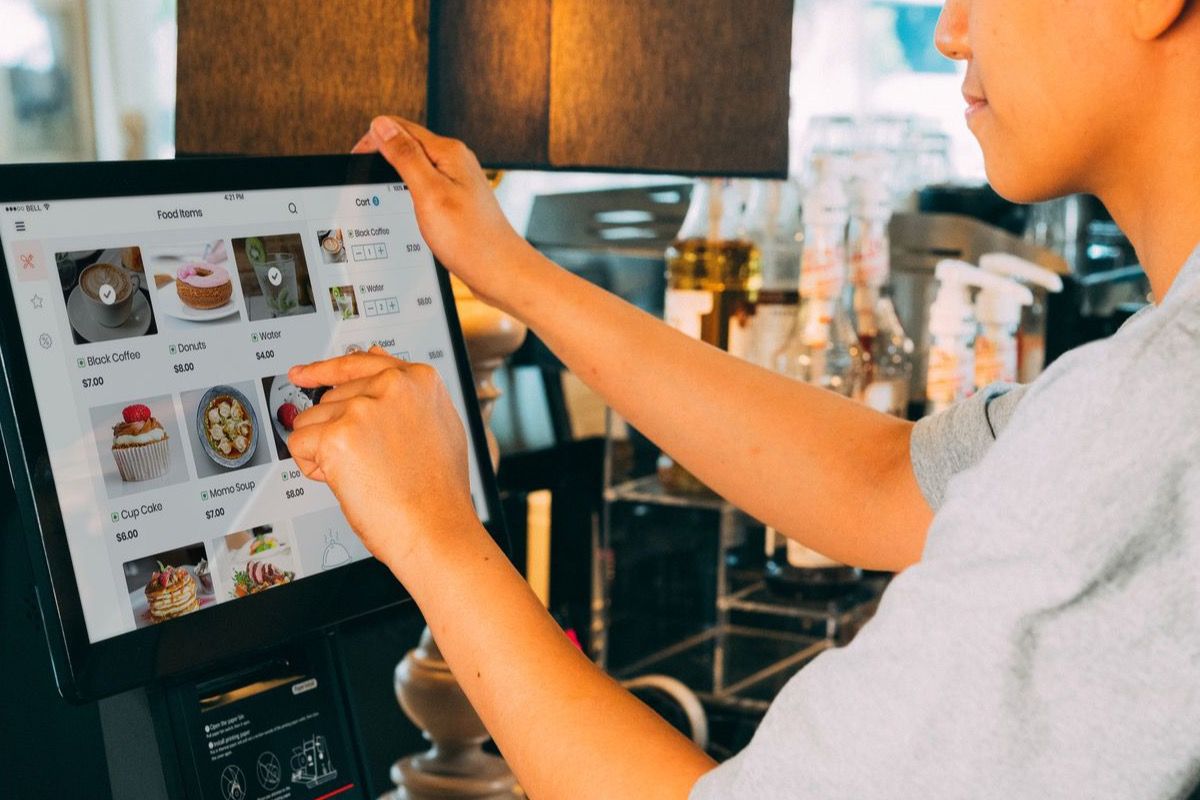
5. The order pops up on your kitchen display or printer
6. A server brings the food to their table
That's it. No app to download. No complicated system. Just a QR code that opens a mobile-friendly menu and ordering page.
Why Contactless Ordering Wins in 2026
The pandemic kickstarted contactless dining. But in 2026, it's not about safety anymore—it's about efficiency.
Here's why every restaurant should be thinking about this:
💸 **Faster Table Turns.** When customers order immediately instead of waiting for a server, tables turn 30% faster. For a busy restaurant, that's one extra seating per table per dinner shift.
📈 **Higher Average Checks.** Customers who browse a full menu with photos and descriptions order 22% more than those who just get "what's good?" from a rushed server.
👥 **Better Staff Efficiency.** Your servers spend less time taking orders and more time delivering food, checking on tables, creating a better experience.
🌐 **Multi-Language Built In.** Your menu is instantly available in English, Chinese, Japanese, Spanish, and more—no printed translations needed. Tourist-heavy restaurants see this as a game-changer.
📊 **Real-Time Menu Updates.** Running out of a dish? Update it in your dashboard. It's gone from the menu in 30 seconds. No more explaining "we're out of the salmon" 15 times a night.
🏷️ **Upselling Without Pressure.** You can highlight combos, featured items, and add-ons right on the menu. Customers see "Add a drink for $3" in context—and often say yes.
The Sour: What I Got Wrong About Contactless Ordering
I'll be honest: my first attempt was a disaster. I printed a QR code on cheap paper and taped it to a table tent. The link went to a PDF of my old menu. No photos. No ordering capability. Just a digital version of the same tired paper menu.
Customers scanned it, saw a bad PDF, and went back to waiting for a server. Worst of both worlds.
The lesson: Contactless ordering only works if it's done right. A bad QR experience is worse than no QR experience. You need:
✅ A mobile-optimized menu page (not a PDF)
✅ High-quality food photos
✅ Actual ordering capability (not just browsing)
✅ Integration with your POS or kitchen display
✅ Regular updates and maintenance
I learned the hard way. But once I fixed these things? Everything changed.
The Sweet: What Contactless Ordering Actually Feels Like
Walk through a dinner shift at my restaurant now:
A couple walks in at 7:15 PM on a Saturday. They sit down. The hostess says, "Scan the QR code on the table to see our full menu and order whenever you're ready."
By 7:18 PM—three minutes—they've placed their appetizer order. They browse entrees while waiting. At 7:25 PM, their appetizers arrive. They order their main courses right from the table. No flagging down a server. No "can I get another minute?"
At 8:30 PM, they request the check through the menu. They pay via Apple Pay. They leave a 20% tip. The table is reset by 8:35 PM for the next seating.
Thirty years ago, that same experience would have taken 90 minutes. We did it in 75—and the customers loved it. They had control. They never felt ignored. They ordered exactly what they wanted, at their own pace.
The Bitter: What Contactless Ordering Cannot Fix
Let me tell you what technology can't replace: great food, good service, and atmosphere.
Contactless ordering is a tool, not a substitute for running a good restaurant. If your food is mediocre, no QR code will save you. If your staff is rude, faster ordering just means faster disappointment.
Some guests—especially for celebrations or first dates—want the full server experience. That's fine. Keep paper menus available. Let guests choose their experience. Contactless should be an option, not a mandate.
I've also learned not to cut staff. The servers I freed from order-taking now spend more time doing what matters: building relationships, refilling drinks, answering questions about the menu, recommending wines. Contactless ordering makes them better servers, not redundant ones.
The Spicy: Bold Predictions for 2027
Here's what I see coming:
🔥 By 2027, restaurants without contactless ordering will be like restaurants without credit card machines today—unthinkable.
🔥 AI-powered menu optimization will suggest pricing and dish placement based on real-time demand data.
🔥 Voice-activated ordering at tables (already rolling out in flagship tech restaurants).
🔥 Integration with loyalty programs will be automatic—no more "do you have our rewards card?"
The restaurants that adopt early will build customer habits. The ones that wait will play catch-up.
How to Get Started (Without Overcomplicating It)
Step 1: Pick the right platform. I use QRfood—it integrates with my existing POS, handles multi-language menus, and updates in real-time.
Step 2: Start small. Implement contactless ordering for a dinner shift. Gather feedback. Iterate.
Step 3: Train your staff. Make sure they understand this makes their jobs easier—not replaces them.
Step 4: Monitor the data. Which dishes are customers spending most time on? Where do they drop off? Use the data to optimize.
Step 5: Expand. Once you've mastered dinner, roll it out to lunch, then happy hour, then events.
The cost? Starting at $199/month for a full solution. If you serve 100 tables per dinner shift, that's $2 per table per month. The first extra appetizer you sell covers it.
The Bottom Line
I wish I'd done this three years earlier. I was afraid of the complexity. Afraid of confusing my guests. Afraid of investing in something that might not work.
Every one of those fears was wrong.
Contactless ordering is simple to set up. Guests love it instantly. And it pays for itself within the first week.
Your customers are already used to ordering everything else on their phones—from coffee to cars. Why should dining be different?
The question isn't "Should I adopt contactless ordering?"
The question is: "How soon can I start?"
Start your free trial today. Give your customers the experience they're already expecting. Your future self—and your bottom line—will thank you.